CDS Data Integration for Dynamics 365 Finance and Operations, Dynamics 365 Sales and SalesForce (Preview), SQL (Preview)—into Common Data Service.
Microsoft has so kindly created a number of different templates to support four major processes:
- Prospect to cash
- Field Service Integration with Finance and Operations
- Project Service Automation Integration with Finance and Operations
- Talent Integration with Finance and Operations
Prospect to Cash
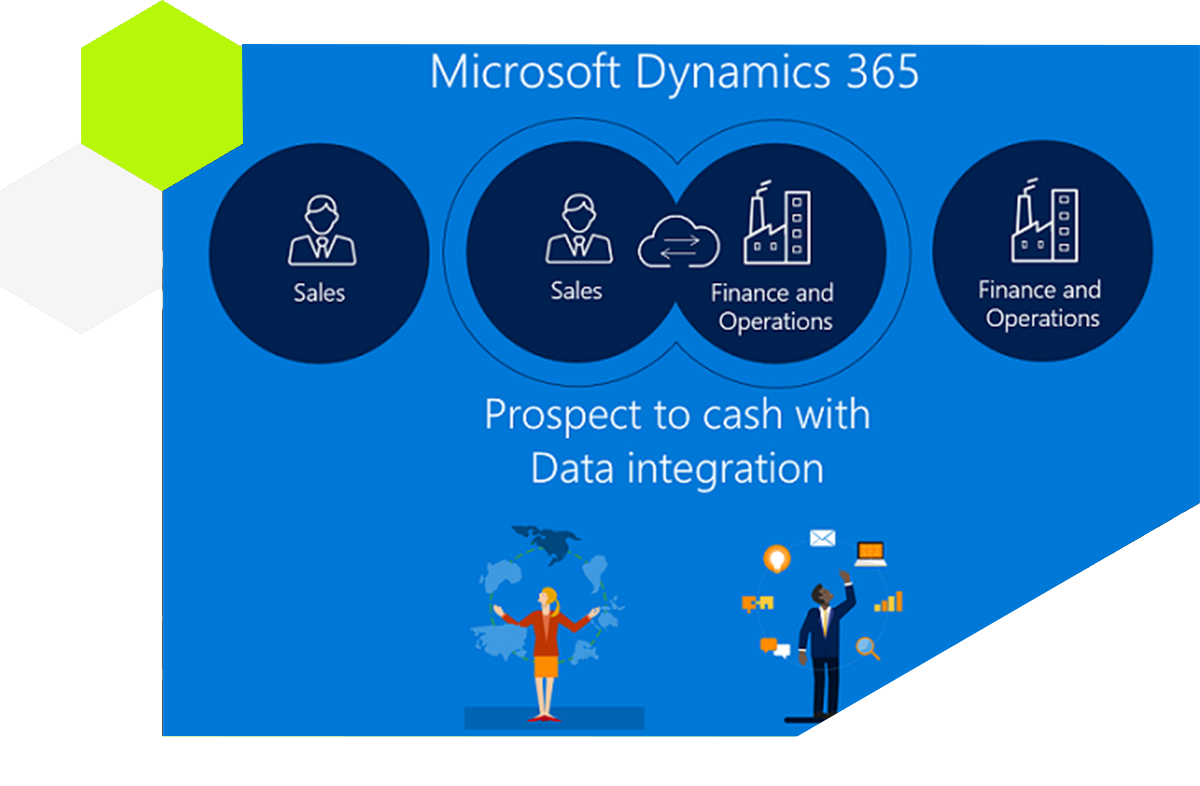
Customers and Sales Processes are monitored via Dynamics 365 for Sales while Fulfilment & Invoicing Using Dynamics 365 for Finance and Operations.
To bring things closer and easy to connect, Microsoft provides a Prospect to Cash process that synchronizes sales and finance data through Data Integration / Dual Write style patterns.
Prerequisites for setup
Before you configure Prospect to Cash data integration, make sure you have:
- Dynamics CRM user rights to install Prospect to cash Solution to CRM
- Dynamics 365 FinOps user access to Make.powerapps.com & Admin.powerplatform.microsoft.com
- All masters synced between systems
- Data import/export framework parameters enabled: Ignore Error, Create Error File, Remove Duplicates
Tutorial coverage
DVMSKE’s step-by-step series on Power Platform CDS data integration covers:
- Part 1: Introduction, agenda and prerequisites for setup with Fin&Ops
- Part 2: Connections, project creation and custom mappings with Fin&Ops
- Part 3: Prospect to Cash demo and configuration (integration keys, entities, mapping, filters)
- Part 4: Sync creation, troubleshooting, job history and scheduling
Licensing and official knowledge
You can read the latest licensing guidance and official knowledge on Microsoft Docs for the Power Platform Data Integrator.
Need us to digitally transform your business? Contact DVMSKE — we are experienced with OOB data integration between CRM and Fin&Ops, Dual Write, and complex custom mapping scenarios.