Using Power Platform
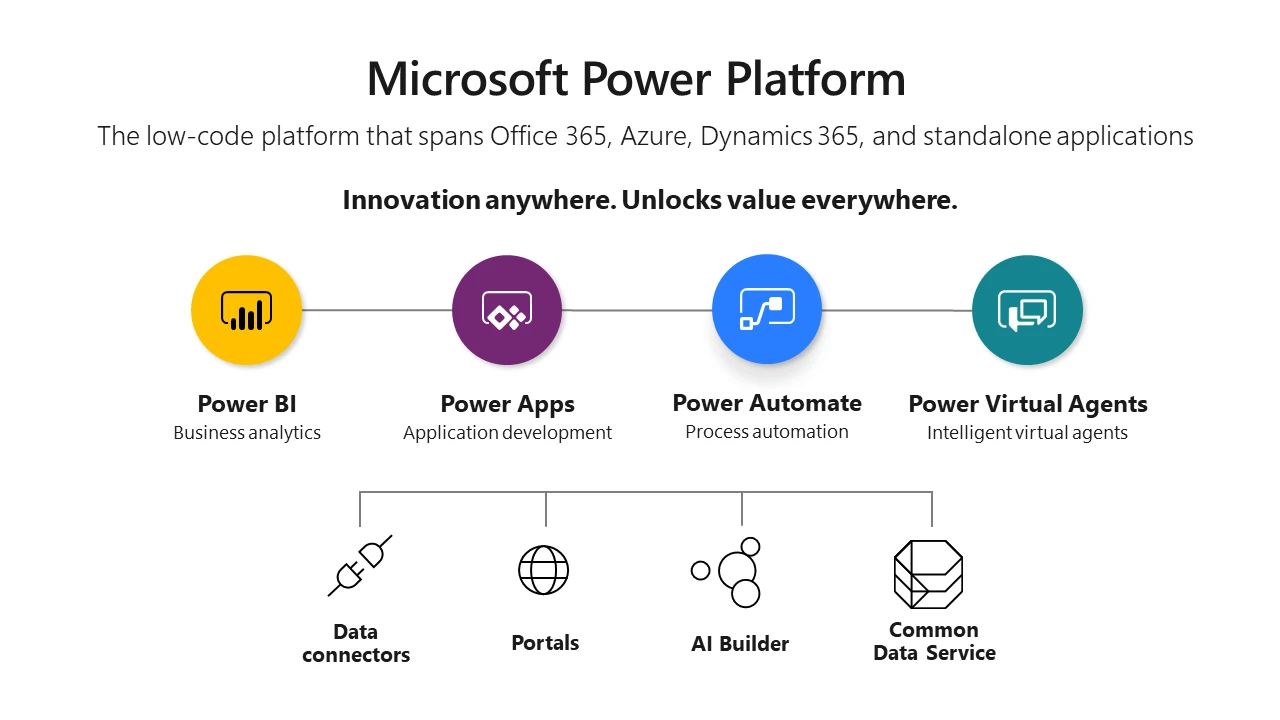
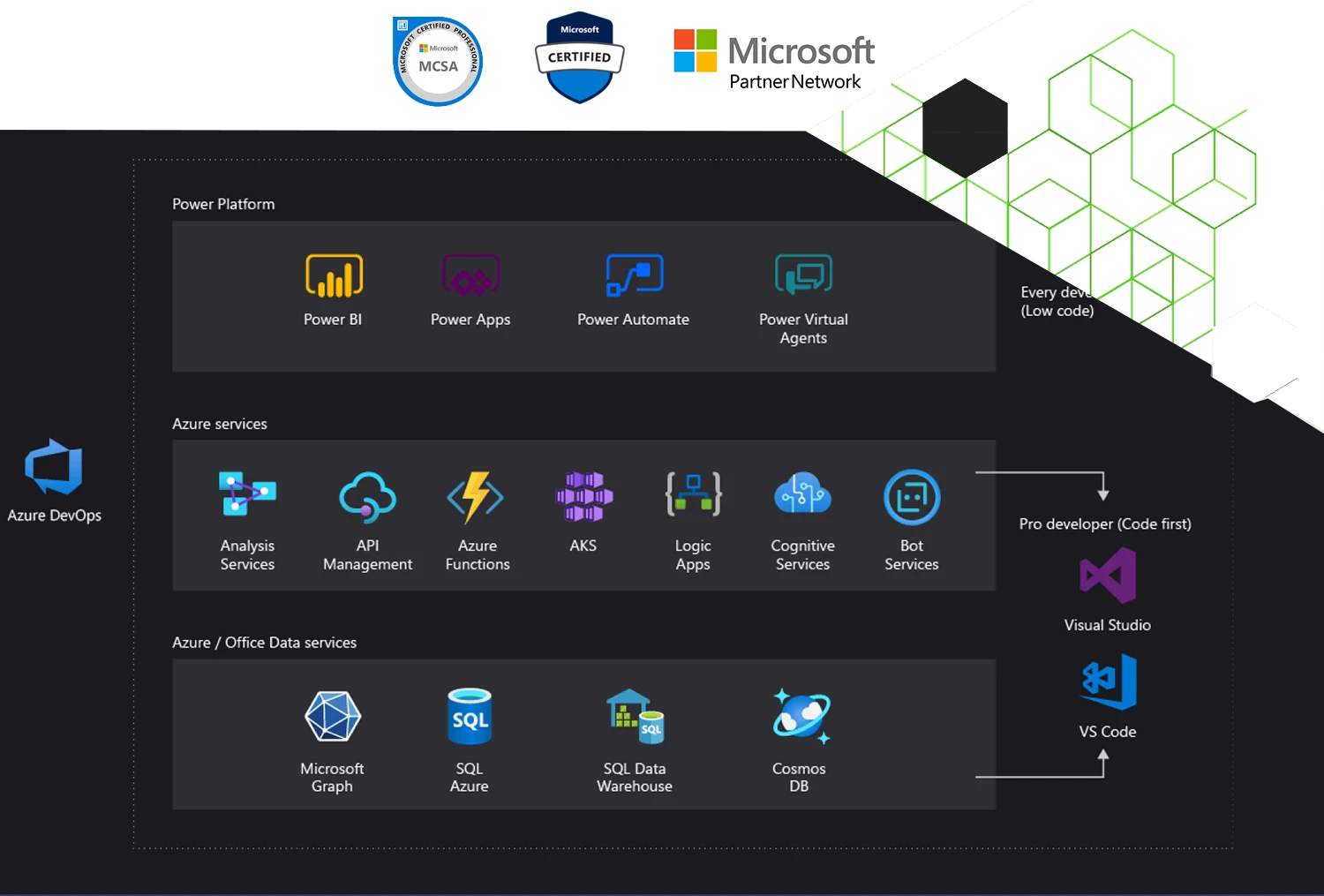
which combines the robust power of PowerApps, PowerBI, Power Automate, AI , BOTS, Data Connectors into one powerful business application platform
The Power Platform connects to a wide range of data sources – including third-party apps whose control is fully integrated into power Platform admin like managing Business or non-bussiness Data sources which gives a super layer of security to the business.
Team DVMSKE
offers integrated business software management solutions for your organization
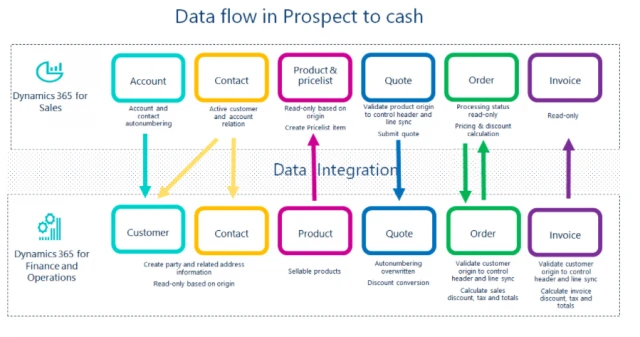
CDS Data Integration for Dynamics 365 Finance and Operations, Dynamics 365 Sales and SalesForce (Preview), SQL (Preview)—into Common Data Service - Click Here for Demo and Tutorial

Digital Transformation with AI Builder
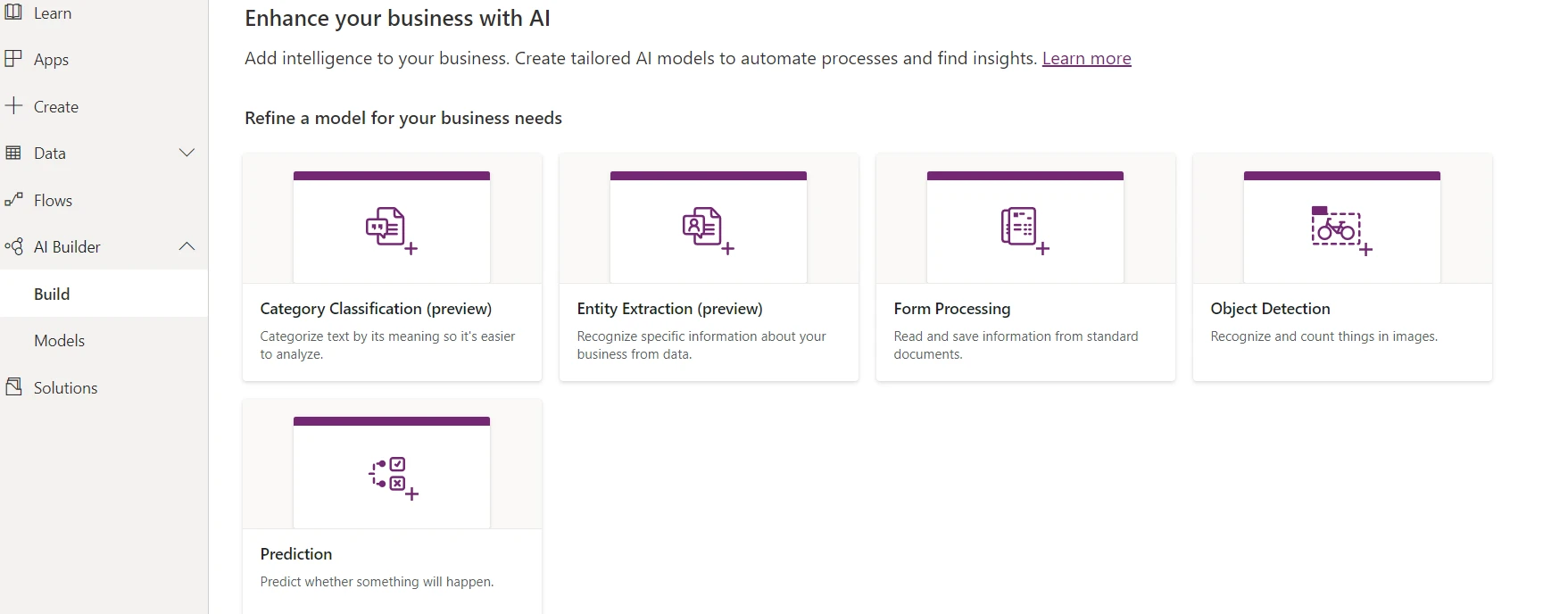
New Power Platform low-code solution for enabling us to easily automate processes, predict outcomes, improve business performance.Few in-built OOB models available: In AI Builder, AI is based on model types as follows.
Scenario Digitize your Forms to extract information, store or process them
- Will train my model to read Internet Bills
- Use the trained Model in power Apps
- Extract the Total Amount Collected information
- Will automate extracted Total Amount and other values to Microsoft dynamics 365 or Note or your Local database (Just for the sack of example)
- Will Generate a Power Bi chart to show Total amount collected data for the year
How do I get it? Power Platform licensing and pricing
PowerApps and Power Automate licensing is fairly complex. You can read the latest licensing guidance here:
https://docs.microsoft.com/en-us/power-platform/admin/powerapps-flow-licensing-faq
Want our help to Digitally transform your business with Power Platform Contact us.

Microsoft PowerAPPS
Build and consume solutions for web and mobile
with Power Apps, We can create apps for any purpose, such as a simple contact list, a mobile surveying app or an expense processing app, COVID-19, Criss management App
- Build mobile-friendly apps quickly and without development knowledge and reducing pressure on busy IT teams
- Connect to and surface data from your business applications, such as Dynamics 365 and Office 365 (and also third-party apps)
- Surface key data into a user-friendly app to help data entry – meaning users only see the information they need to fulfil a particular task

Microsoft Power BI
Power BI is a business analytics tool which allows you to easily connect to data sources, create visuals and gain business intelligence quickly. It allows you to:
- Click and connect with Microsoft and third-party cloud services, as well as on-premise data sources
- Easily manipulate data and create visuals, such as charts, dashboards, maps and many more – so you can present your data in an easy-to-digest format
- Use natural language to query data and get results (i.e. “show me our sales pipeline for 2018 by month, by sales person”)
- Overall, allowing you to easily analyse and make sense of complex data to enable continual improvement

Microsoft PowerAutomate Flow
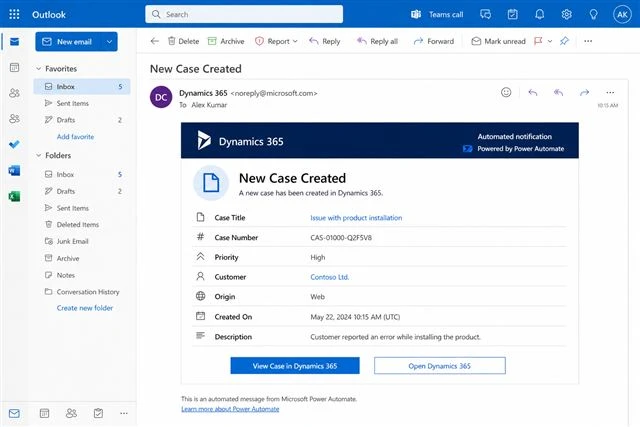
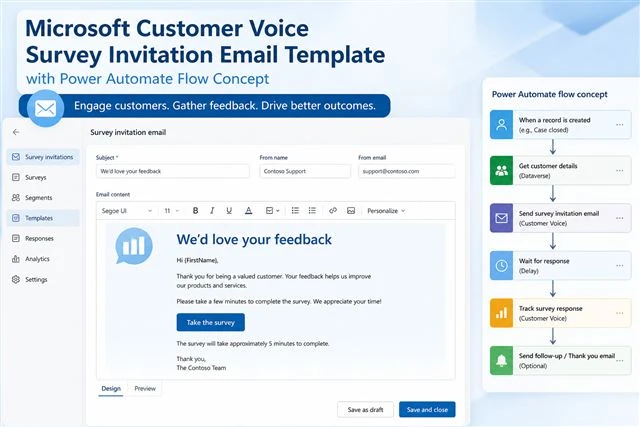
Microsoft PowerAutomate: Power Automate used to be known as Microsoft Flow. This allows you to create automated workflows between your Microsoft services or other third-party applications, which allows staff to avoid carrying out repetitive tasks and save valuable time. It allows you to:
- Use pre-built automation templates for common automation (within the Flow Gallery)
- Create your own automation by connecting various applications, such as Outlook, SharePoint Dynamics 365 or non-Microsoft apps like Twitter, Asana, Gmail, MailChimp etc.
- Set up triggers, alerts, automated emails, push notifications and much more – with no coding and in minutes
- Overall it allows you to save time, reduce human error and streamline your processes

Microsoft Power Virtual Agent Bot
Easily build chatbots to engage conversationally with your customers and employees—no coding required.
- Fetch Data from multiple Data sources i. Get Case info for entered case ID from Case management system (Dynamics, Service Desk, Jira, E.T.C.)
- Use FAQ using your own or an Opensource Website, which enable the bot to answer the user query
- Connect using any cognitive service using Power automate connectors