Overview
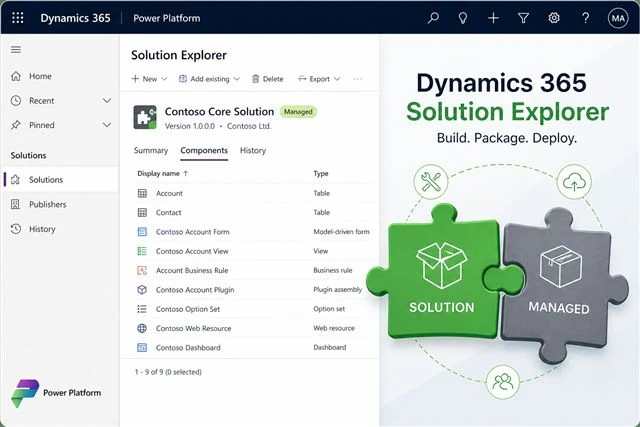
Learn how to create a solution in Dynamics 365 CRM/CE, add components and manage them effectively using Solution Explorer.
This article is part of the DVMSKE knowledge series on Microsoft Dynamics 365, Power Platform and CRM. Full step-by-step content is coming soon — explore related posts from the blogs listing, or contact our team if you need hands-on guidance for your project.