
Insights & Ideas
Blogs
Exploring technology. Sharing knowledge.
Solving business challenges.

All Posts
Account mapping
Account Setup - Start with Microsoft
Activate Providers
Advices
AI
Application
CDS 2.0 Data integration
Create an invitation in customer voice
Create email message in Power Automate
Create Provider
Create Provider IOM
Customer Voice Connectors
Customer voice survey
Customer voice survey response
Dataverse Rest builder
DYNAMICS 365
Finance and Operations
INTEGRATION
Intelligent Order Management
Javascript
JavaScript Pre-requisites
MCPID
Microsoft
Microsoft Dynamics 365
Microsoft Dynamics CRM
Microsoft Power Platform
Omni-Channel
Order Orchestration flow
Perform a bound action Power Automate
Plugin
POWER AUTOMATE
power Automate flow
Power automate flow || Cloud Flow
Power Virtual Agent
Price list mapping
Product Mapping
Projects
provider definition logic definition
Send an email message using power Automate
Settings/Admin
Social Listening
Software
SOLUTIONS
TIPS & TRICKS
Uncategorized
Windows
XRM.WEBAPI
xrmtoolbox


 Javascript
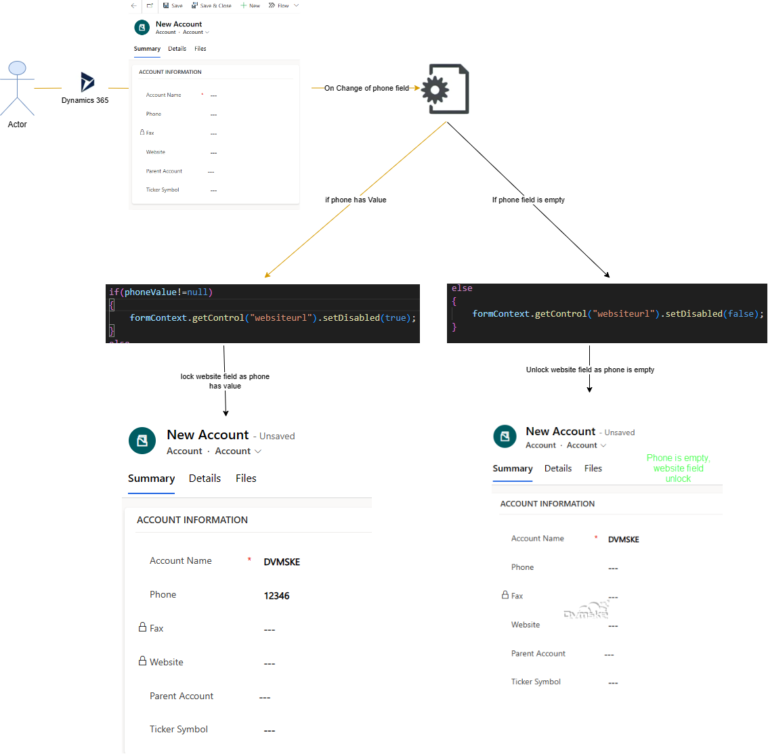
Use set Disabled using Javascript in MSCRM/CE, to make a field read only/Lock and Unlock a field in MSCRM/CE
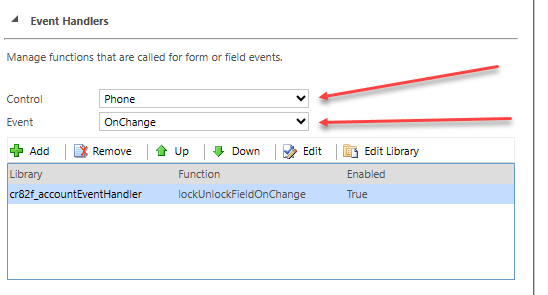
We have a requirement to lock the website field if phone field has value and if phone field is empty the unlock the website field. On Change of Phone, JavaScript will execute setDisabled function on Account Entity and make the field lock and unlock as per our business requirements. JavaScript (Event Handler) will be added on Account entity and OnChange Event of Phone. So JavaScript function will trigger on change of Phone field.
Read More Advices
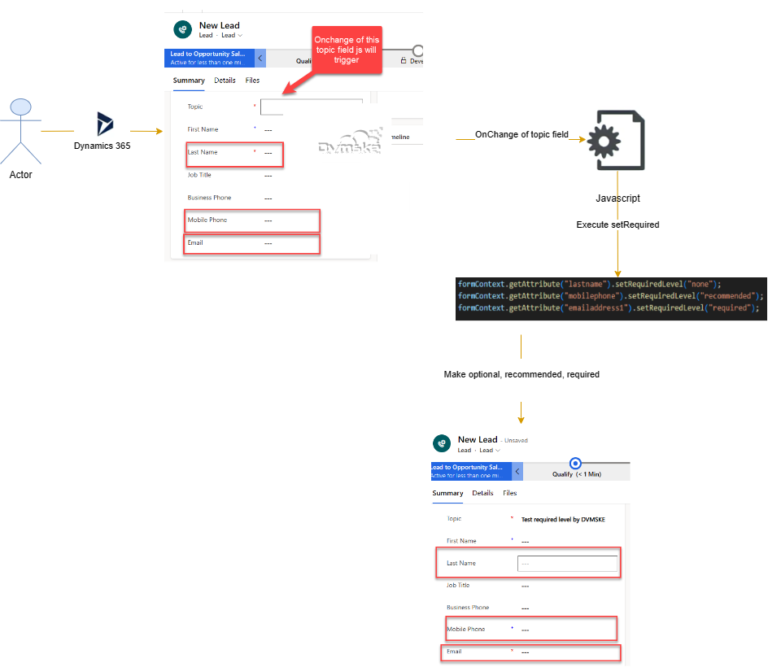
Use setRequired to make the field required, recommended, optional using Javascript in MSCRM/CE
Scenario We have a requirement of “mobile phone” field as recommended, “email” field as required and “last name” field as optional whenever the value of “Topic” field changes on Lead Entity. On change of Topic field, JavaScript will execute and make the “mobile phone” field as recommended, “email” field as required and “last name” field as optional. JavaScript (Event Handler) will be added on Lead entity. and On Change Event of Topic of lead. So, JavaScript function will trigger on change of Topic field.
Read More Javascript
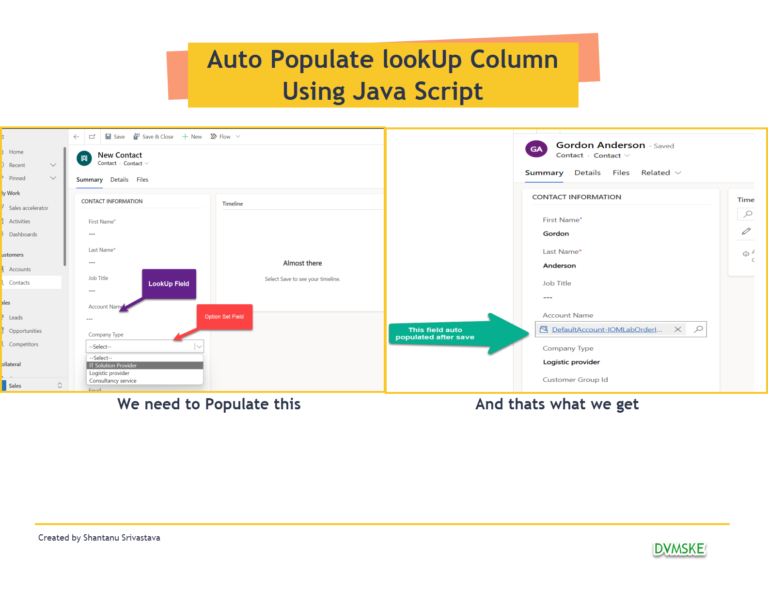
Set lookup field value using JavaScript in Microsoft dynamics 365 CE / CRM
Three factors are required to set a lookup field’s value in MSCRM. GUID of the lookup record Name of the lookup record EntityName of the lookup entity Below is the syntax used to set Value in Lookup field and we have given example as well
Read More