

Formatting your PC or restoring it to an earlier state removes all unwanted background programs and erases all unnecessary files from your computer’s hard drive. The operating system offers many options that you can use to restore your Windows 10 computer to its previous state.
Version :
WINDOWS 11
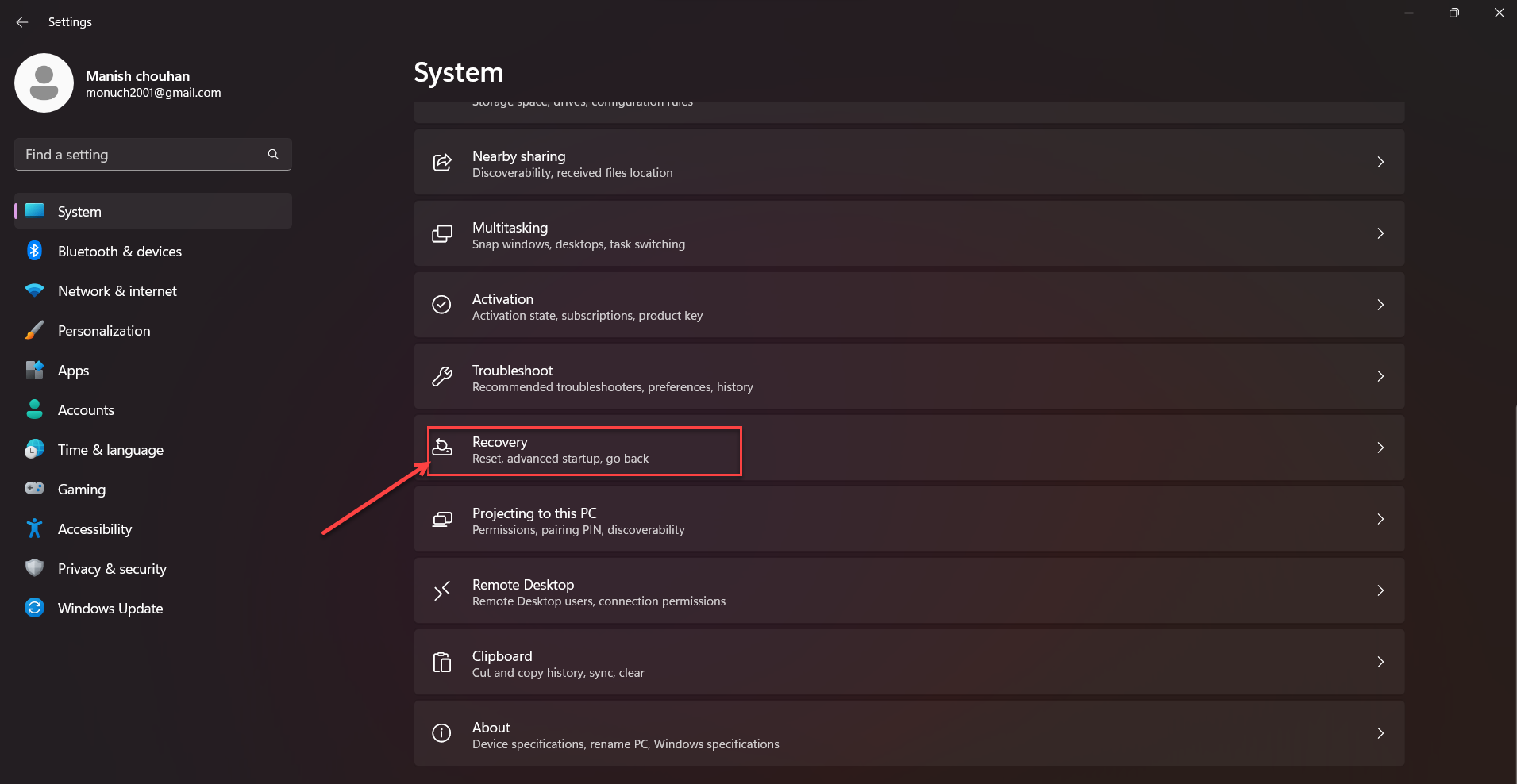
- To reset your PC, go to Start > Settings > System > Recovery .
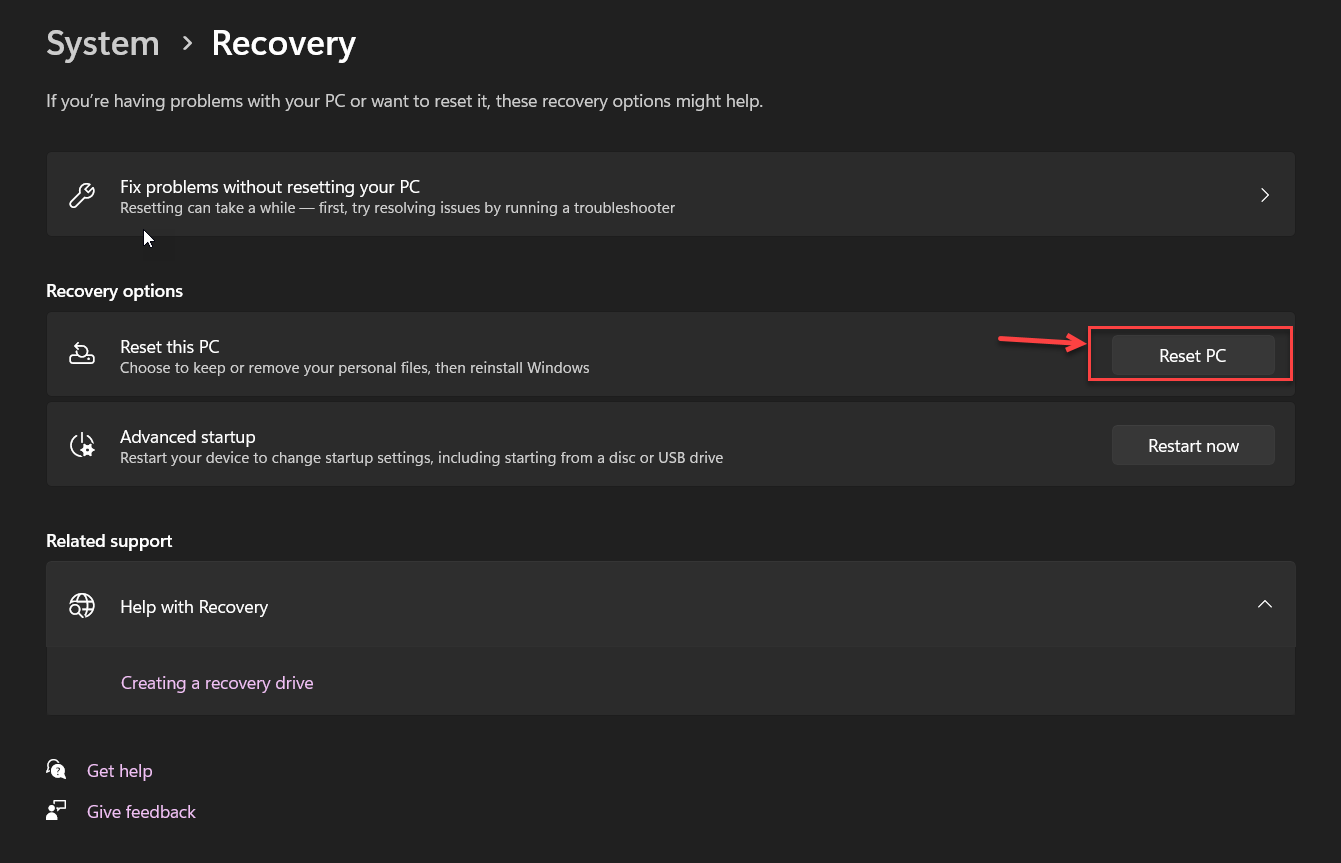
- Next to Reset this PC , select Reset PC.
- Then, select Keep my files,

- choose cloud(Recommended) or local, change your settings, and set Restore preinstalled apps? to No.

Follow Further instruction. thanks