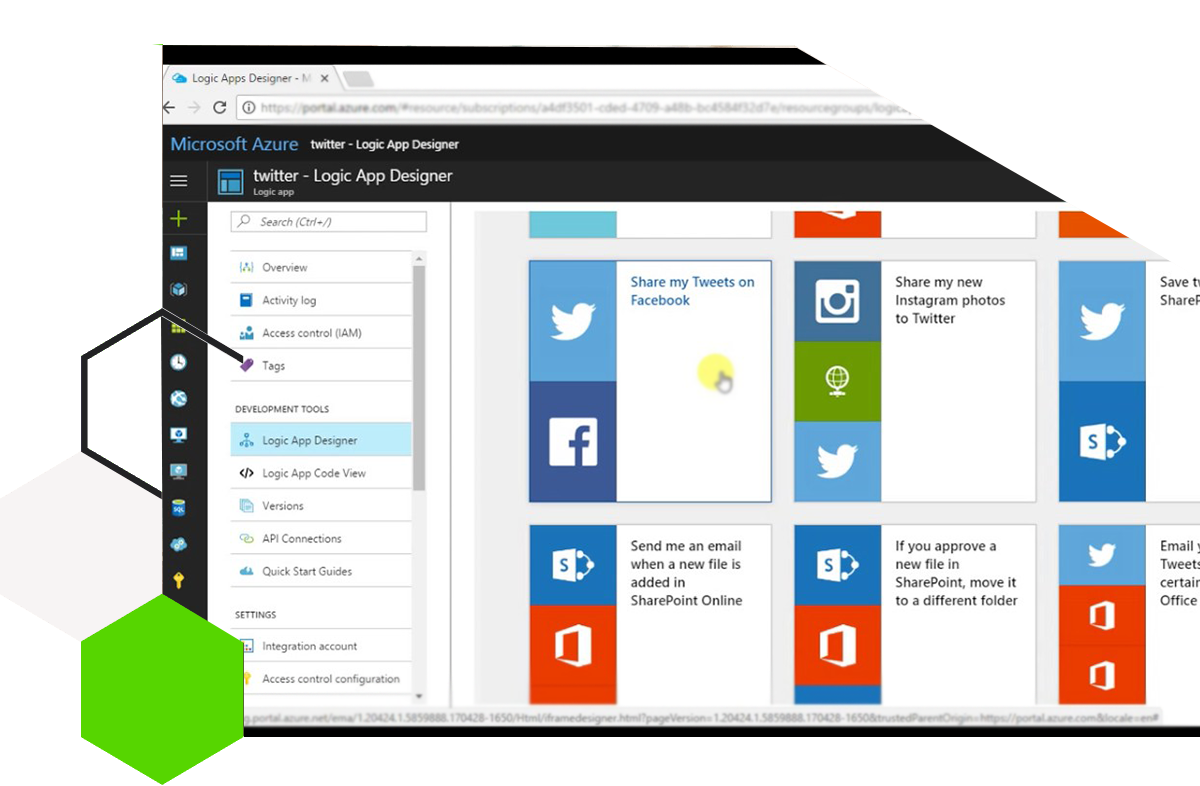
Logic App allows us to react to an event and get or manipulate data which can be used in conditions with any Azure apps or services and then tune it to action. The same pattern applies to social listening scenarios where each time a #hashtag Tweet is created, Logic App peeks the tweet and sends it to a text analyser for sentiment filter — and based on sentiment, an action can be performed.
Scenario overview
With Azure Logic Apps you can connect Twitter (or X), Text Analytics / AI sentiment services, Outlook, Teams, Dynamics 365 and hundreds of other connectors without writing custom middleware.
A typical DVMSKE-style flow looks like this:
- Trigger: When a new tweet matching a hashtag or keyword is posted
- Action: Read tweet text and metadata (author, time, URL)
- Action: Send text to Azure Cognitive Services / Text Analytics for sentiment score
- Condition: Branch on positive, neutral or negative sentiment
- Actions: Create a Dynamics 365 case, notify a Teams channel, send email, or log to SharePoint / SQL
Why this matters for business
Social channels move fast. Filtering tweets by sentiment helps customer service and marketing teams react only when it matters — escalate negative feedback, celebrate positive mentions, and keep noise out of agent queues.
Because Logic Apps are event-driven and connector-rich, you can extend the same pattern to Instagram, Facebook, email, or Dynamics 365 Omnichannel signals without rebuilding the whole process.
How DVMSKE helps
DVMSKE designs and implements Azure Logic Apps and Power Automate solutions that connect Microsoft Dynamics 365, Power Platform and third-party systems. We help you choose the right connectors, secure credentials, add error handling, and align automation with your CRM and customer-service processes.
If you want a Twitter / social sentiment workflow wired into Dynamics 365 or Teams, talk to our team — we can prototype and productionise the solution for your environment.